It is a four-wire cable having two red and two black cables representing VCC and ground respectively. Firstly, connect one end of the cable to any of the pout terminal on the PDB.
Then connect the other end on the following connector of the NAVQPlus.
The cable shown below is NOT USED with the B3RB and PDB.
It may be attached already when you first open the NavQPlus.
Keep it safe as it may be useful for other configurations or when bench testing NavQPlus with an 3S LiPo battery or bench power supply.
BaseT1 Ethernet wiring between NavQPlus and MR-CANHUBK344
This is also explained here:
Lidar connection
<TODO> refer to the mounting of the LIDAR base
The cable necessary for connect the NavQPus to the LIDAR-STL-27 is the number one in .
A closer view of this cable:
The Lidar used is the following:
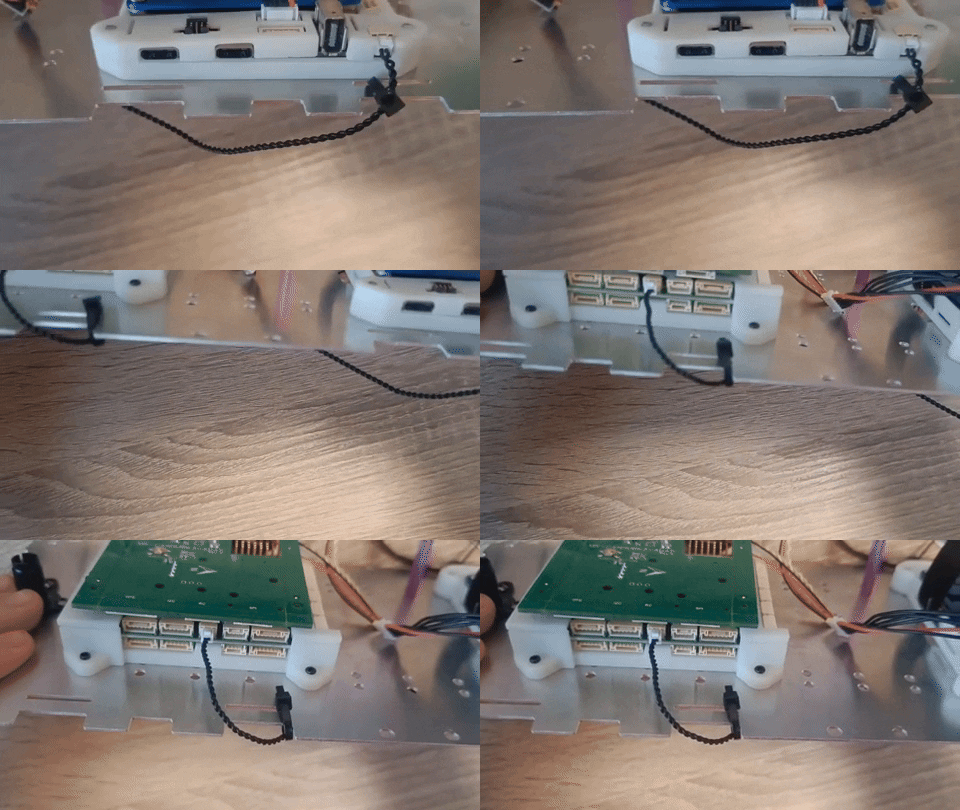
You should connect the smaller end of the cable to the Lidar and the bigger end to the UART3 Serial port of the NavQPlus:
Thse are all the connections available for NavQPlus: